Reclaim your attention.

Block Instagram Reels, YouTube Shorts, TikTok, and Snapchat Spotlight instantly. 100% on-device. Zero tracking.

See it in action

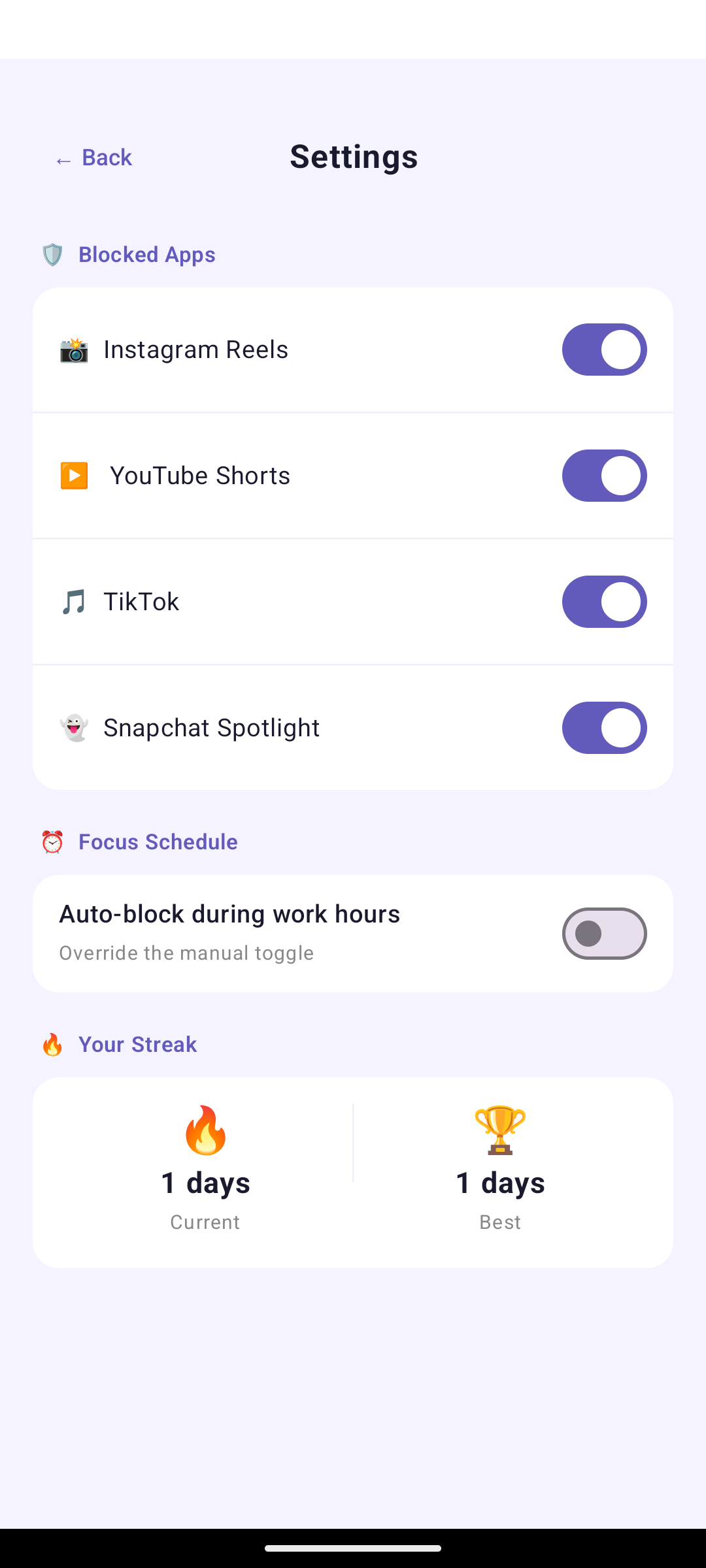
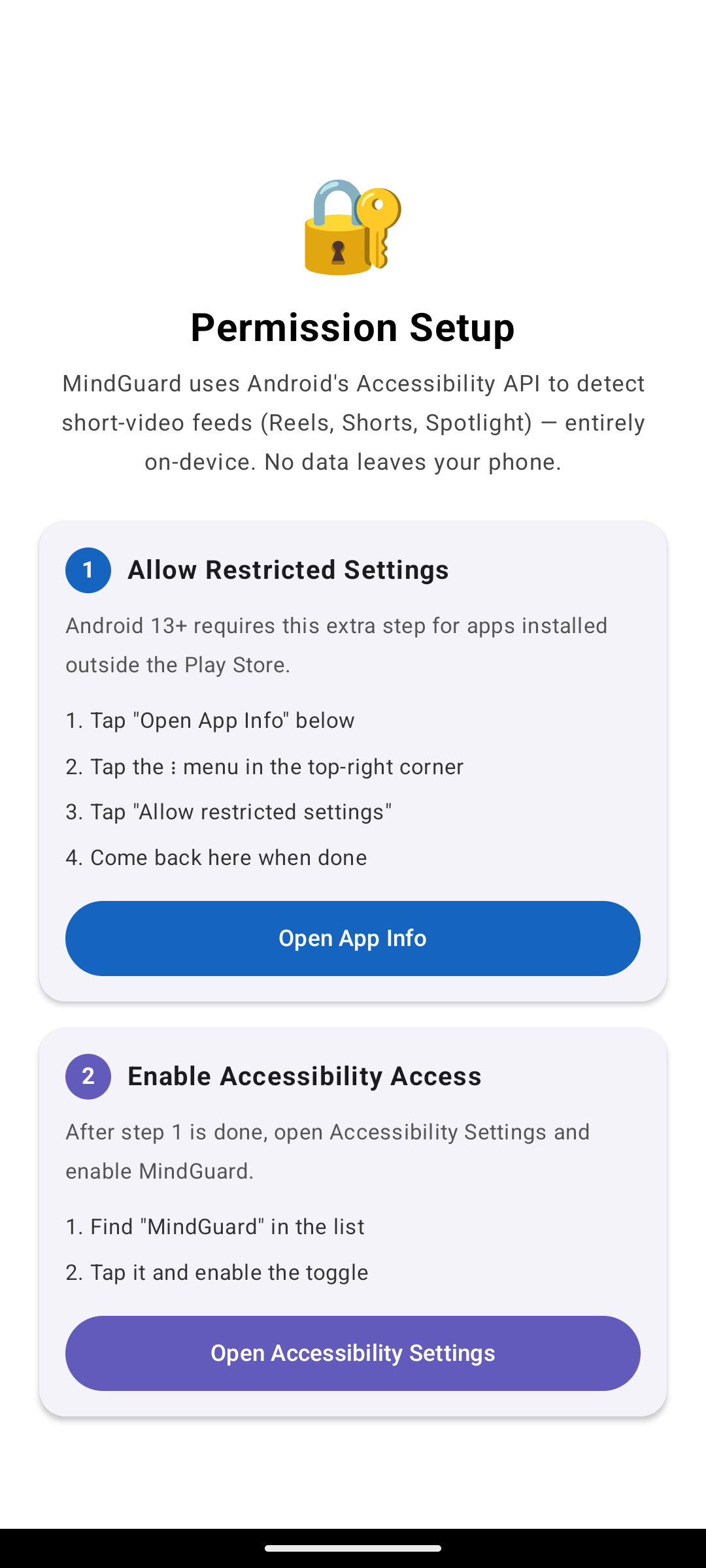
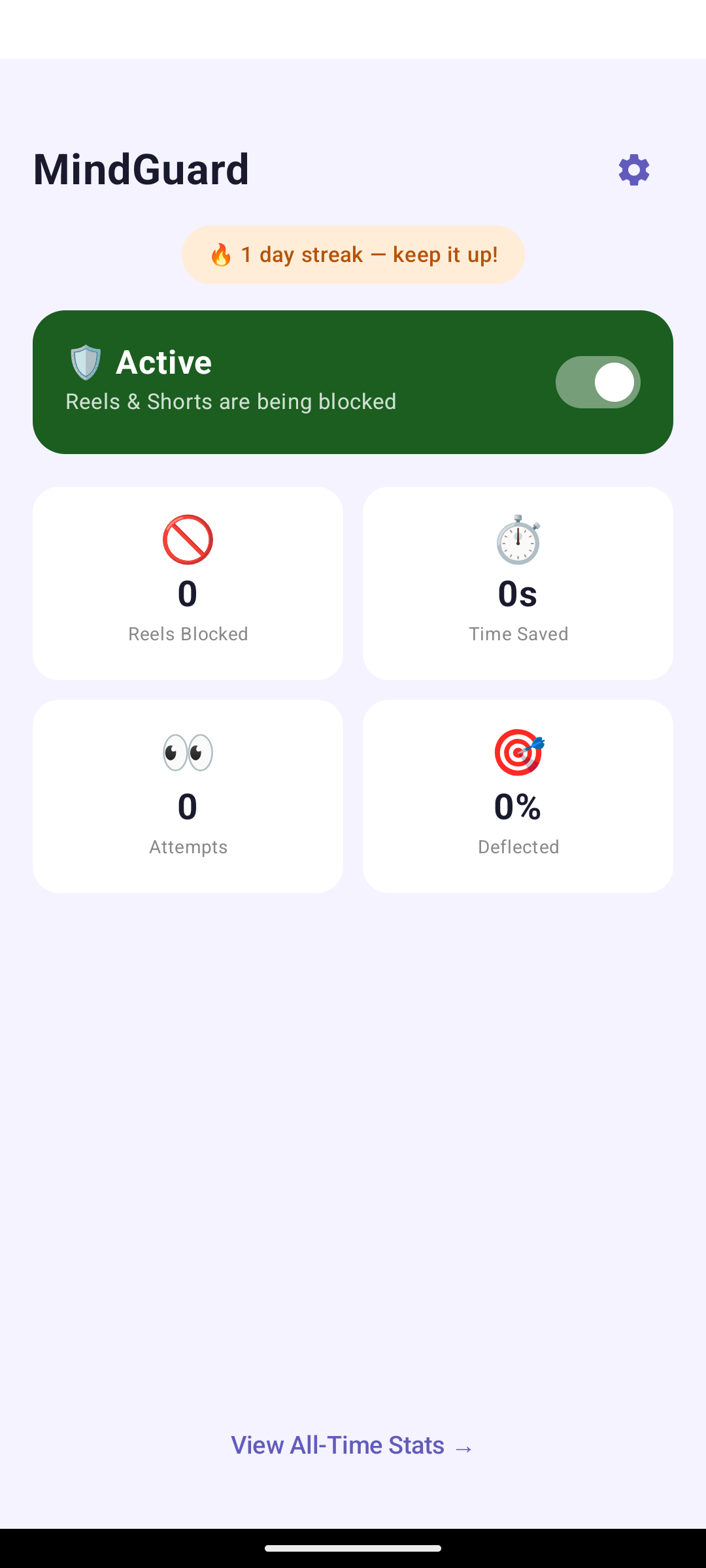
Beautiful, simple interface that blocks reels without getting in your way.

Smart blocking that just works

Automatic, transparent, and respectful of your privacy.

🚫

Automatic Blocking

Detects short-video players and navigates you away before temptation strikes.

Instant Response

No delays, no loading screens. Just immediate, clean navigation away.

🎯

4 Apps Covered

Instagram, YouTube, TikTok, Snapchat. All blocked. One toggle.

🏠

Smart Navigation

On Instagram, returns you to Home feed. On others, navigates back.

Focus Schedules

Set hours when blocking is always on. Perfect for work or study.

📊

Stats & Streaks

See how many reels you've dodged. Track your clean-day streak.

🔒

100% Private

All data stays on your device. No servers. No tracking.

⚙️

Per-App Control

Block TikTok but keep YouTube Shorts? Customize for each app.

Simple, transparent, private

Uses Android's Accessibility Service to detect and block short-video players.

1

Watch

Monitors for short-video player IDs in the 4 target apps only.

2

Detect

Recognizes when a player screen appears.

3

Block

Navigates you away instantly.

4

Continue

You stay in context. Feed, not closed app.

Four apps. One mission.

📸

Instagram

Reels blocked, Home feed clear

▶️

YouTube

Shorts blocked, videos untouched

🎵

TikTok

For You & Following feeds blocked

👻

Snapchat

Spotlight blocked, camera works

⚠️

About Play Protect Warnings

Since MindGuard isn't on Google Play Store, you'll see a Play Protect warning during installation. This is normal for sideloaded apps—Google can't verify it through their store, but that doesn't mean it's unsafe. Tap "Install anyway" to proceed. The code is open source on GitHub for full transparency.

Get started in 2 minutes

1

Download the APK

Click here to download or use the button at the top.

2

Allow unknown sources

Android will prompt you. Tap Settings → Allow from this source, then install.

3

Allow restricted settings

Go to Settings → Apps → MindGuard → ⋮ → Allow restricted settings. Android 13+

4

Enable accessibility service

Go to Settings → Accessibility → MindGuard and toggle it on.

Done

MindGuard is now active. Open Instagram or YouTube—Reels and Shorts are blocked.

Ready to reclaim your time?

Download MindGuard now. It's free, open source, and respects your privacy.

⬇ Download APK View on GitHub